
App Only Banking Security
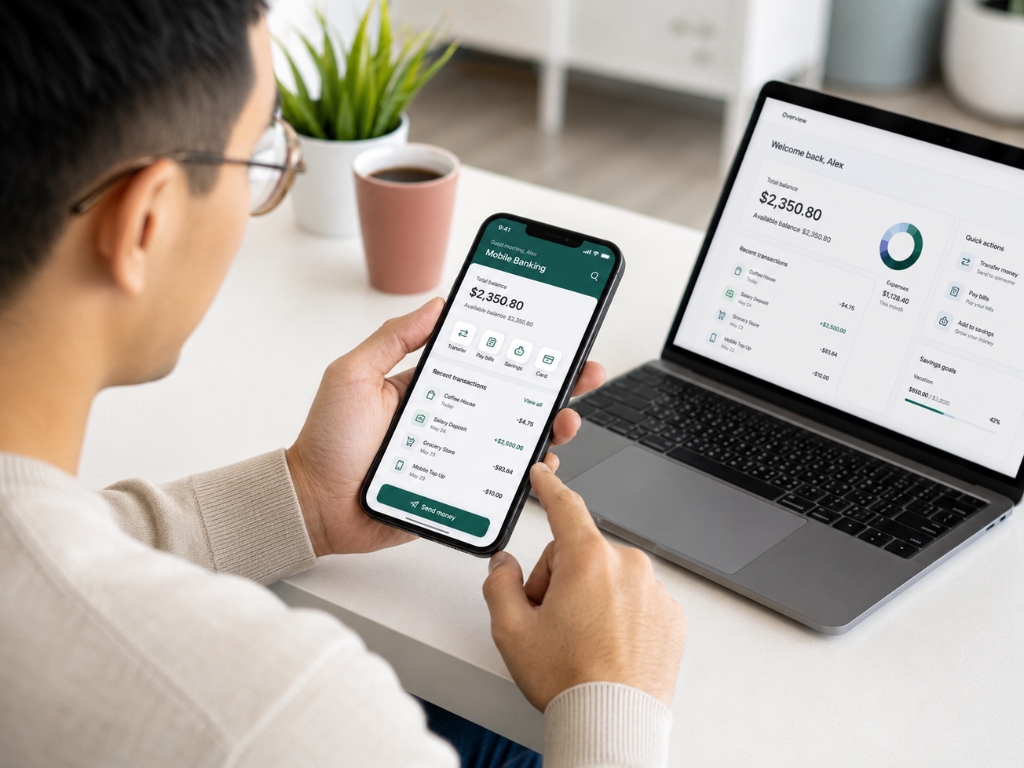
App-Only Banking Security matters more now because many people are doing nearly everything through a phone. Checking balances. Moving money. Approving card payments. Opening fixed deposits. Managing business cash flow. It all sits inside one device that also holds photos, chats, email, passwords, and sometimes work access.
That convenience is useful. It also creates risk.
When banks reduce or remove desktop access and push customers toward mobile apps, the security focus changes. The old worry was fake banking websites and phishing links. The newer worry is phone theft, SIM swap fraud, weak passcodes, and compromised apps.
Why Banks Are Moving Away From Desktop
Sunsetting desktop banking portals is partly about control. A browser can be risky. Fake websites can copy bank pages. Malware can attack browsers. People may save passwords on shared laptops or click links from emails that look official.
Mobile apps reduce some of that risk.
A banking app can use device-level financial encryption, app sandboxing, biometric login, push approvals, and device recognition. These tools make it harder for a scammer to simply copy a login page and trick the user. But safer does not mean risk-free. It means the weak point moves.
App-Only Banking Security Starts With the Phone
The phone is no longer just a phone. It is a wallet, identity card, password hub, and banking terminal. If someone gets into it, they may get far more than contact numbers. That is why App-Only Banking Security starts at the device level. Use a strong phone passcode. Not 123456. Not your birthday. Not the same PIN you use for your ATM. A six-digit code is better than four, but a longer alphanumeric passcode is stronger.
Biometrics help too. Multi-factor biometric security, such as fingerprint or face login, adds speed and protection. Still, it should not be your only layer. If your phone passcode is weak, biometric security becomes easier to bypass in real-world theft situations.
The SIM Swap Problem
SIM swap fraud is one of the biggest mobile banking app vulnerabilities. Here is how it works in simple terms. A scammer convinces your mobile carrier to move your phone number to a SIM they control. Once they get your number, they may receive SMS codes meant for you.
That is dangerous if your bank relies on text-message verification. SMS codes are better than no verification, but they are weaker than app-based authenticators or hardware token authentication.
A hardware security key, such as a physical USB or NFC key, can offer stronger protection because the attacker needs the actual device to approve access. Not every bank supports it yet. But where it is available, it is worth considering.
Protecting Banking Apps From Everyday Mistakes
Digital bank fraud prevention is not only about hackers. A lot of losses begin with ordinary mistakes. Downloading apps from random links. Sharing OTPs. Using public Wi-Fi for banking. Keeping old phones unsecured. Ignoring operating system updates.
Small gaps add up.
For stronger smartphone asset protection, download banking apps only from official app stores. Keep your phone updated. Avoid jailbreaking or rooting your device. Turn on automatic lock. Remove banking apps from old phones before selling or giving them away.
Also, do not keep screenshots of passwords, debit cards, account numbers, or ID documents in your photo gallery. That gallery may be easier to access than you think.
Smart Moves for App-Only Banking Security
A few practical habits can reduce most common risks.
- Use a long phone passcode, not a simple PIN.
- Turn on biometric login for banking apps.
- Use a password manager for unique bank passwords.
- Avoid SMS-only authentication where better options exist.
- Add a carrier PIN to reduce SIM swap risk.
- Turn on bank alerts for every transaction.
- Keep banking apps updated.
- Avoid banking on public Wi-Fi.
- Lock or hide financial apps if your phone supports it.
- Know how to remotely erase your phone if it is lost.
These steps are not dramatic. They are basic financial hygiene.
app-only retail banking security
Don’t Put All Recovery Access on One Device
Here is the quiet risk. Many people use the same phone to receive the code, open the bank app, access email, approve logins, and store passwords. That creates one point of failure.
If that phone is stolen and unlocked, the thief may control too much. Separate recovery channels where possible. Keep your main email protected with strong MFA. Use an authenticator app or hardware key instead of SMS when supported. Store backup codes safely outside the phone.
This sounds small until something goes wrong. Then it matters immediately.
Business Accounts Need Extra Care
For business owners, App-Only Banking Security becomes even more important. A personal banking mistake may hurt one household. A business banking breach can affect payroll, vendor payments, tax money, and operating cash.
Use separate business devices if the account holds meaningful balances. Limit who can approve transfers. Set transaction limits. Require dual approval for large payments. Review account activity daily.
Also train staff. Fraudsters do not always attack the bank. Sometimes they attack the person who approves the payment.
Conclusion
App-Only Banking Security is not about fearing mobile banking. It is about respecting how much financial power now sits inside one device. App-only banking can reduce some desktop risks, especially fake websites and browser-based attacks, but it also raises the stakes for phone security. Protect the device, strengthen authentication, reduce SIM swap exposure, and avoid keeping every recovery tool on the same phone. The goal is simple: make your banking app convenient for you, but difficult for anyone else to misuse. In the app-only era, your phone is part of your financial security system, so treat it that way.